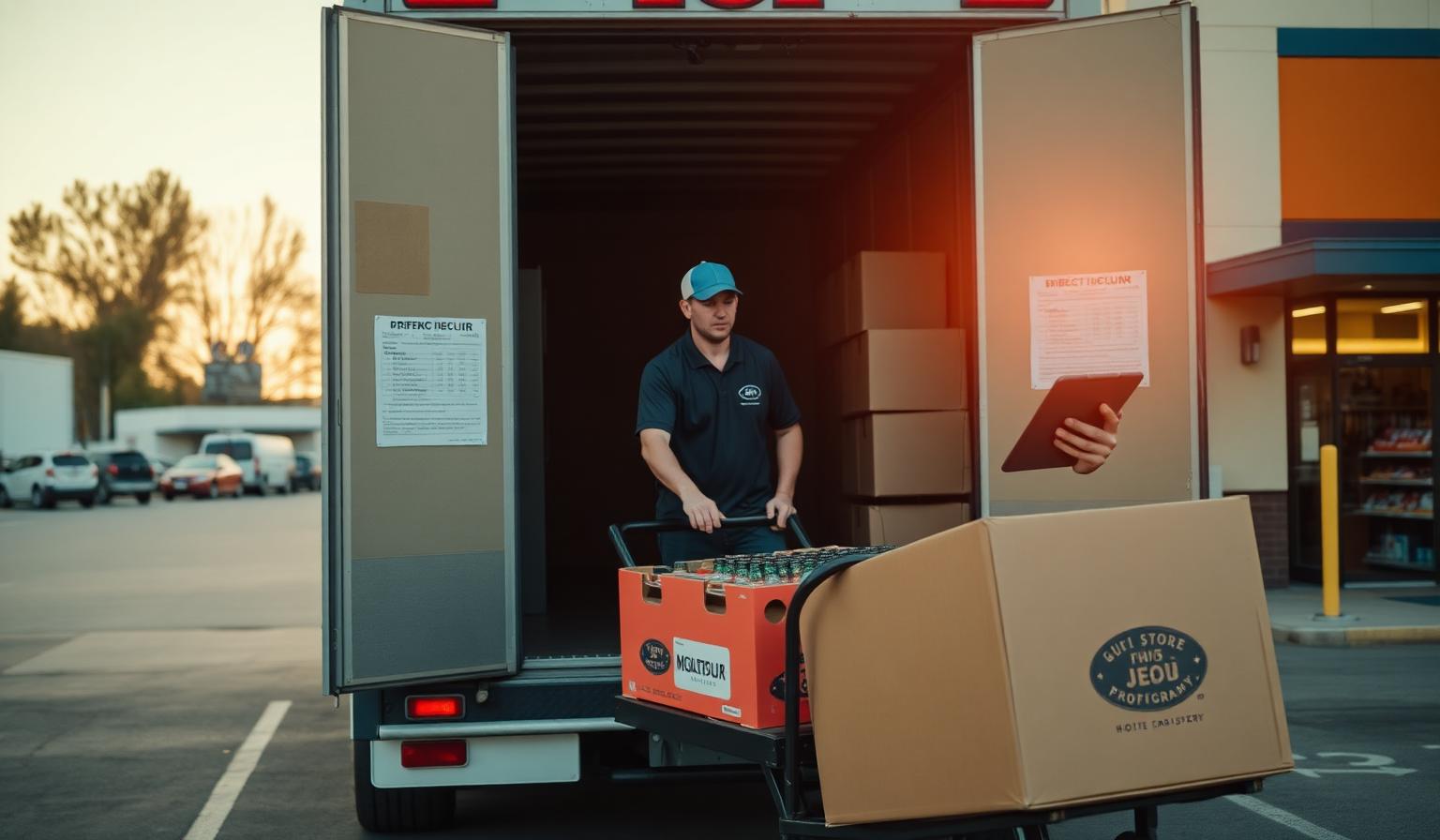
Industry · Direct Store Delivery
Plan DSD drops by frequency, time window, and load.
Visualize every store, route, and truck on one map. Balance driver days, hit time windows, and rebuild routes when accounts shift — without rebuilding spreadsheets.
Route plans built once a quarter stop matching reality the day an account changes cadence — and the spreadsheet that owns them was never meant to recalculate drive time.
What you'll map
Every truck, every drop, every week — mapped.
- Plot every retail account, on-premise outlet, and distribution center.
- Optimize routes by drop frequency, time windows, load size, and driver hours.
- Rebalance routes as accounts open, close, or change cadence.
- Track on-time delivery and cases-per-stop by route and region.
Built for these roles
- · DSD Route Manager
- · Branch Operations
- · Driver Supervisor
- · Trade Marketing
Week-one playbook
- 1
Import accounts + routes
Bring stores, time windows, and current driver assignments; we geocode and cluster.
- 2
Tune cadence + load
Set frequency by tier, respect time windows, and balance cases-per-stop across drivers.
- 3
Publish weekly routes
Push the optimized plan to drivers and watch on-time and stops-per-day move.
Territories
Carve markets by ZIP, county, or custom polygons and assign reps with balanced coverage.
Routing
Cluster stops, plan visit cadence, and optimize drive time across each rep's week.
Analytics
Overlay revenue, volume, or potential on the map to focus effort where it pays back fastest.
Try a live map for Direct Store Delivery
Spin up a sample territory map with industry-tuned layers in minutes.
Frequently asked
Ready to map Direct Store Delivery?
Get a guided walk-through with your data on the map.